
Vacuuming can quickly turn from a simple chore into a tiring task that leaves you drained. But what if you could clean your floors thoroughly without feeling exhausted afterward?
Imagine finishing your vacuuming with energy left to enjoy the rest of your day. You’ll discover easy, practical tips to help you vacuum efficiently and avoid fatigue. By changing a few simple habits, you can make vacuuming faster, less tiring, and even a little more enjoyable.
Keep reading to learn how to take control of your cleaning routine and save your energy for what really matters.
Choosing The Right Vacuum
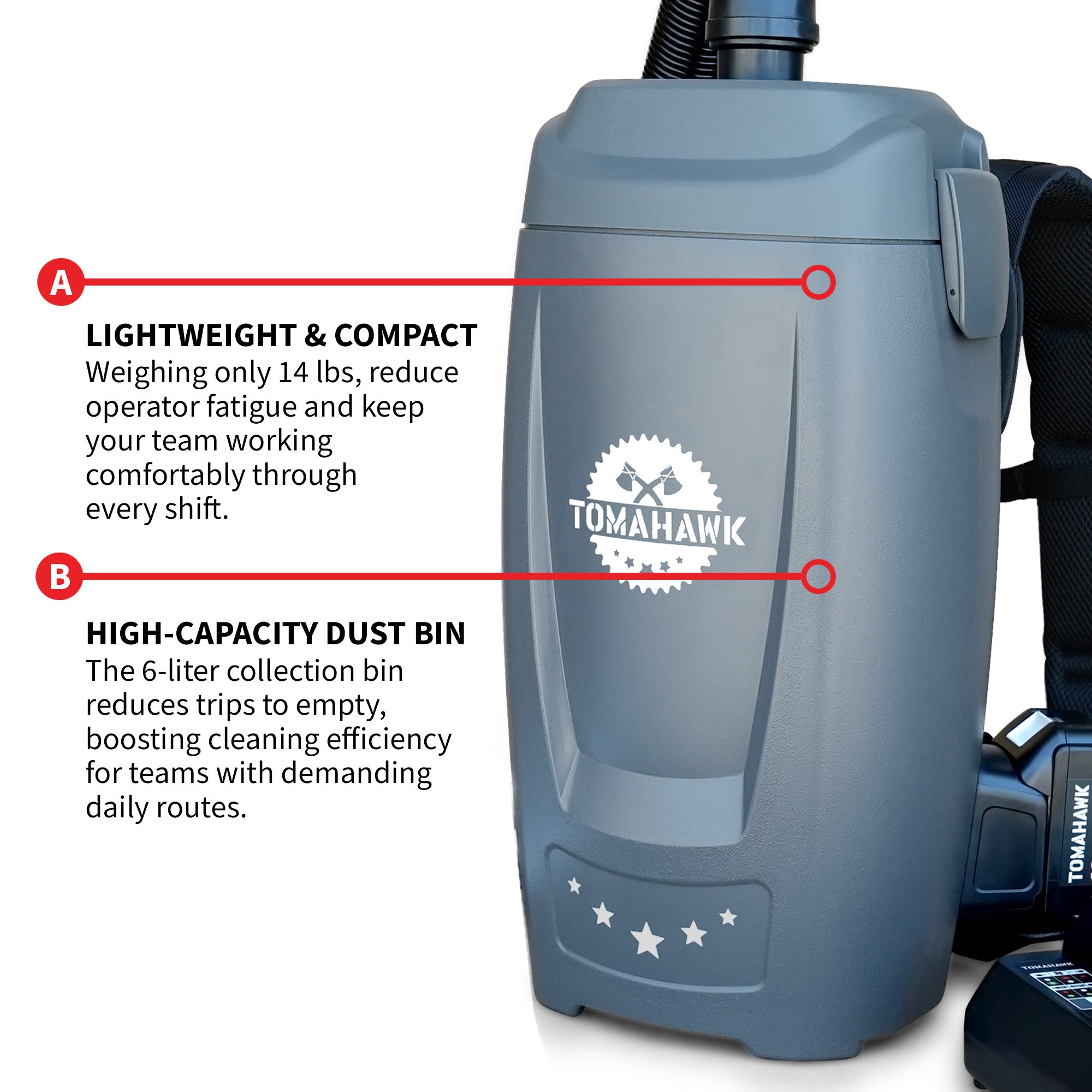
Choosing a lightweight vacuum helps reduce tired arms and back pain. These models are easy to carry and move around the house. A lighter vacuum means less effort and faster cleaning.
Bagged vacuums collect dust in bags, which you can throw away. This keeps the air cleaner. Bagless vacuums use a bin that you empty after cleaning. They save money but may release dust when emptied.
| Type | Pros | Cons |
|---|---|---|
| Bagged | Keeps dust contained, better for allergies | Needs bag replacements, extra cost |
| Bagless | No bags needed, saves money | Dust can escape when emptying |
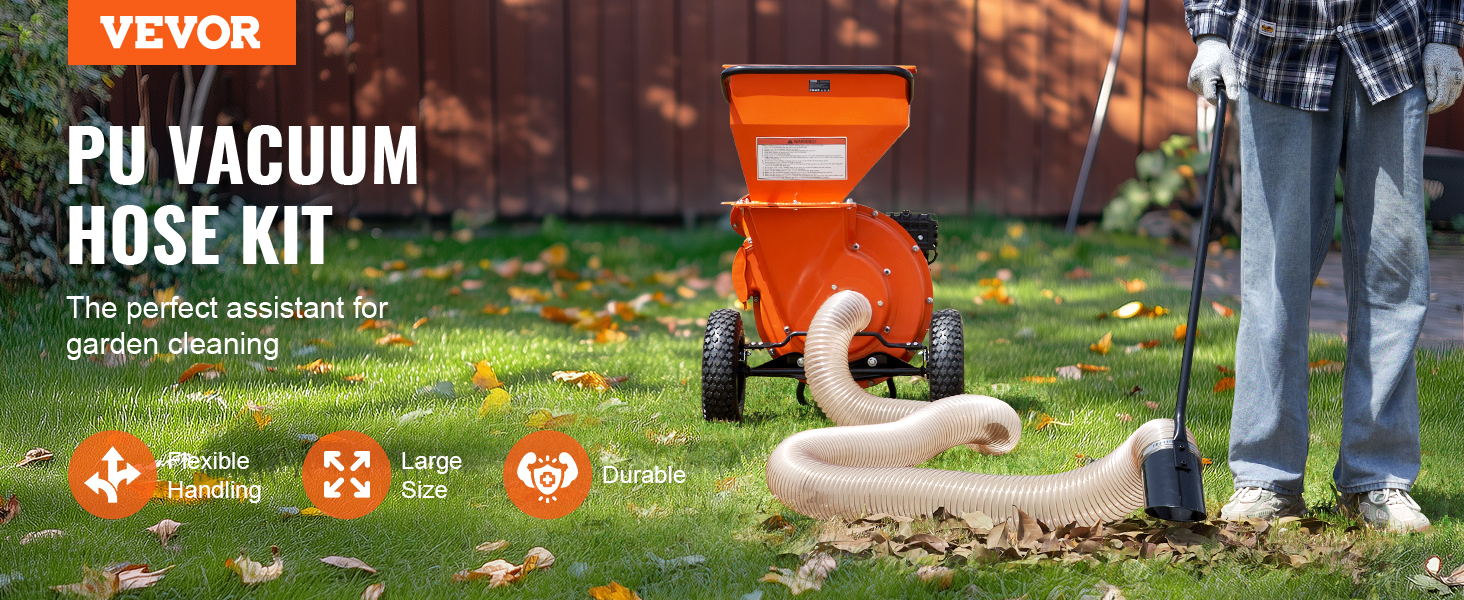
Corded vacuums give constant power but need a plug nearby. Cordless vacuums give freedom to move but need charging. Choosing depends on the size of your home and cleaning needs.
Credit: www.ebay.com
Preparing Your Space
Start by removing toys, clothes, and small objects from the floor. This helps the vacuum move easily and avoids blockages. Clear areas near furniture to reach every corner. A tidy space means faster cleaning and less effort.
Plan your cleaning path before turning on the vacuum. Begin at the farthest corner of the room. Move in straight lines toward the door. This avoids walking over cleaned spots again. Save energy by working efficiently.
Proper Vacuuming Techniques
Stand tall with your back straight to avoid strain. Keep your arms close to your body. This helps keep your muscles relaxed and reduces tiredness.
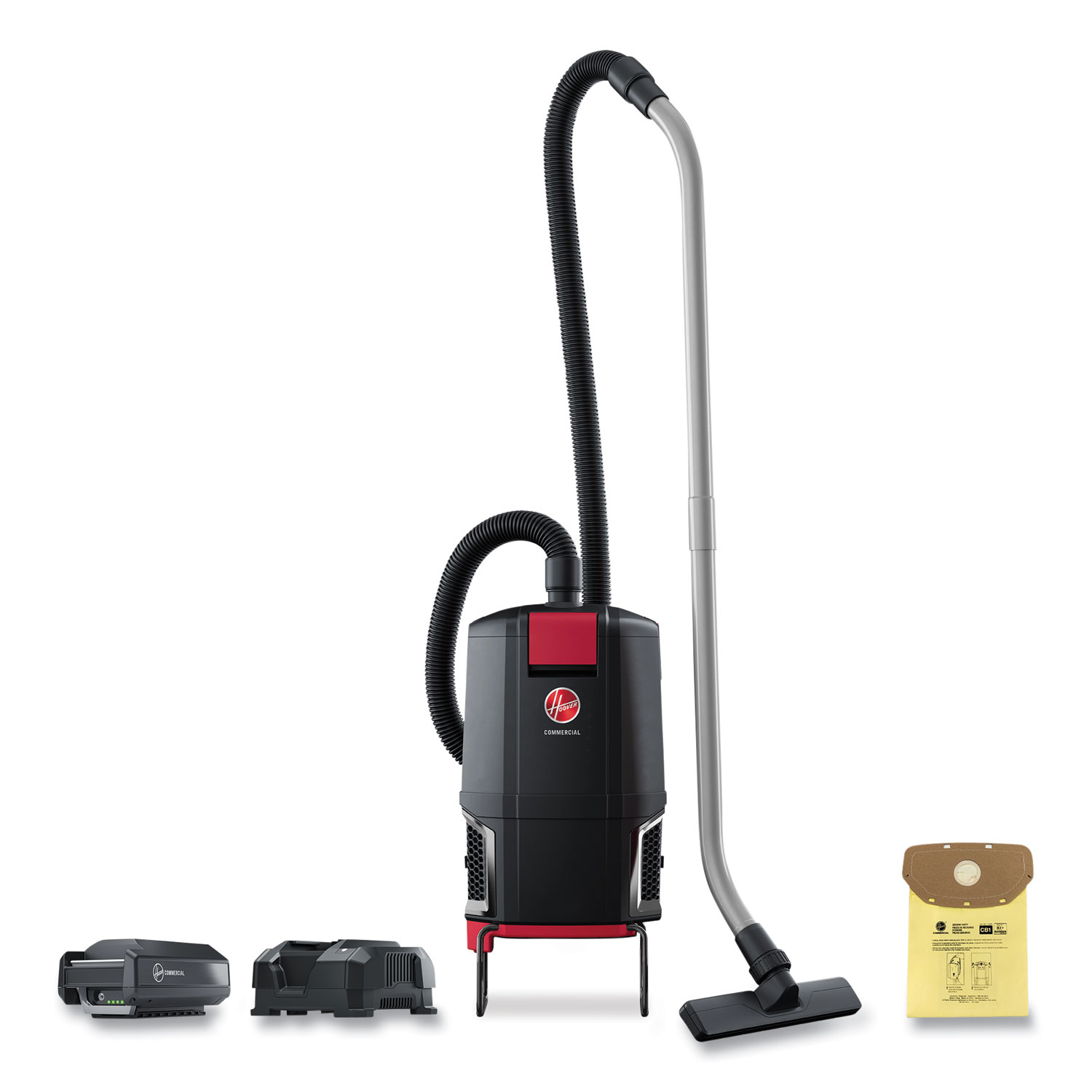
Set the vacuum height to match the floor type. Use a higher setting for carpets and a lower one for hard floors. This makes moving the vacuum easier and cleans better.
Move the vacuum slowly in straight lines. Avoid rushing. Slow strokes help pick up more dirt with less effort. Overlap each stroke slightly for full coverage.
Credit: www.rapidsupplies.com
Energy-saving Tips
Start vacuuming the busiest areas first. These spots need more cleaning and can get dirty quickly. This way, you spend energy on the parts that matter most.
Take short breaks often. Rest for a few minutes to avoid feeling tired. A quick pause helps keep your energy up and makes vacuuming easier.
Keep your vacuum clean and well-maintained. Check the filter and empty the dustbin regularly. A well-kept vacuum works better and needs less effort to use.
Additional Tools To Reduce Effort
Attachments like crevice tools and dusting brushes help clean tight spaces. They reach corners, edges, and small gaps easily. These tools reduce bending and stretching, saving energy.
Extension wands add length to your vacuum. They help clean ceilings, curtains, and high shelves without climbing. Using a wand keeps your back straight and avoids strain.
Robotic vacuums do some work for you. They clean floors while you rest or do other tasks. These devices reduce the time and effort needed for vacuuming.
| Tool | Benefit |
|---|---|
| Attachments | Clean hard-to-reach spots easily |
| Extension Wands | Reach high places without stretching |
| Robotic Vacuums | Vacuum floors automatically |
Credit: tomahawk-power.com
Frequently Asked Questions
How Can I Vacuum Without Feeling Tired?
Use a lightweight vacuum and adjust the handle height. Take short breaks and maintain good posture to reduce fatigue.
What Vacuum Features Reduce Physical Strain?
Look for ergonomic handles, swivel heads, and adjustable suction. These features make vacuuming easier and minimize muscle strain.
How Often Should I Vacuum To Avoid Fatigue?
Vacuum regularly, at least once a week. Frequent cleaning prevents heavy dirt buildup, making each session quicker and less tiring.
What Exercises Help Reduce Vacuuming Fatigue?
Stretch your back, shoulders, and arms before and after vacuuming. Strengthening core muscles also supports better posture and less fatigue.
Conclusion
Vacuuming does not have to drain your energy. Use light, steady movements for less strain. Choose a vacuum that fits your height and strength. Take short breaks to keep your body fresh. Keep your posture straight to avoid back pain.
Clean regularly to reduce effort each time. Small changes make vacuuming easier and faster. Enjoy a clean home without feeling tired. Simple tips help you stay active and efficient. Try these steps and see the difference.
